Last Updated on November 13, 2025 by
Introduction
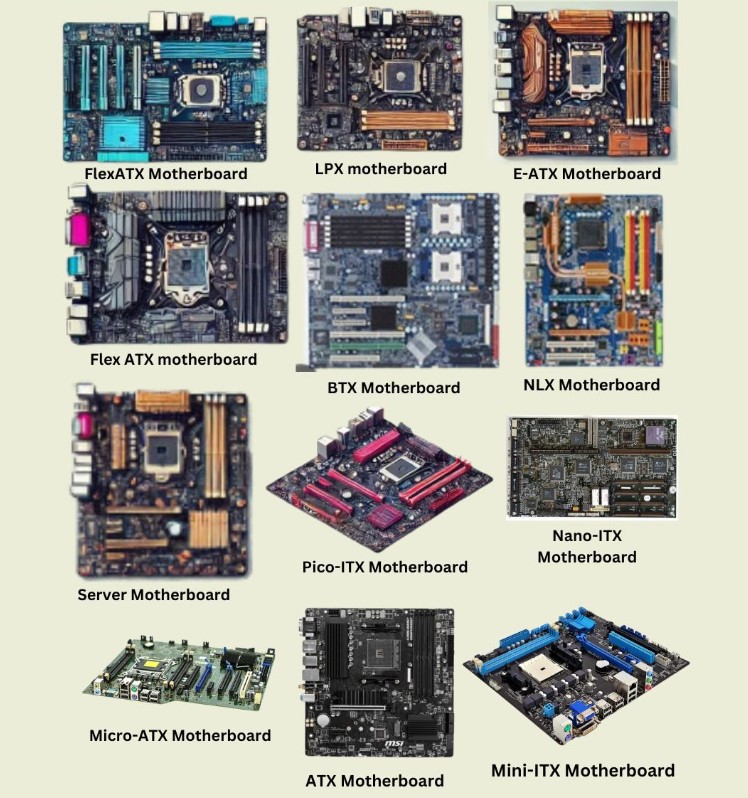
This page provides guidance on how to handle most motherboards during processing, including value checks and putaway procedures.
If you have
- Socket 7 motherboard refers to Socket 7 Motherboard #6023
All motherboards for this category will require a value check; the sold value must be $60 or greater, or the active value must be $120 or greater.
Most motherboards showing bad capacitors will be scrapped. However, still perform a value check on eBay. If the motherboard alone sells for $250 or more, it should be kept.
Item Examples
| Loose Motherboard
|
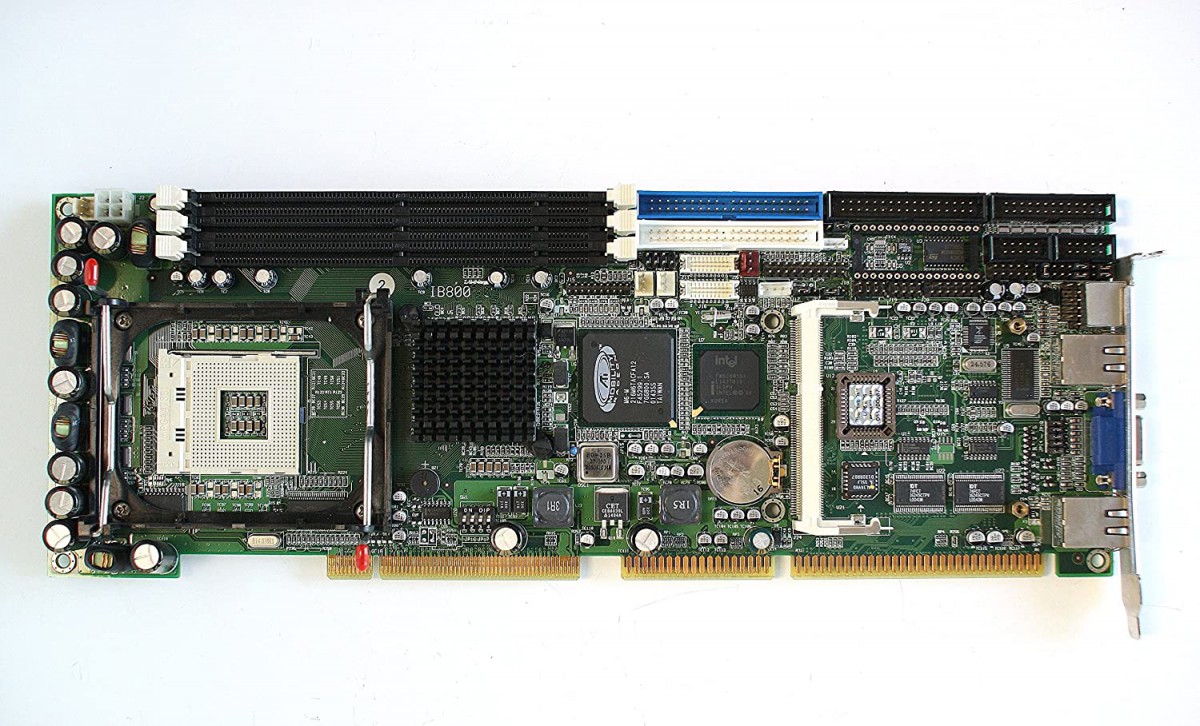
SBC (Single Board Computer) Motherboard
|
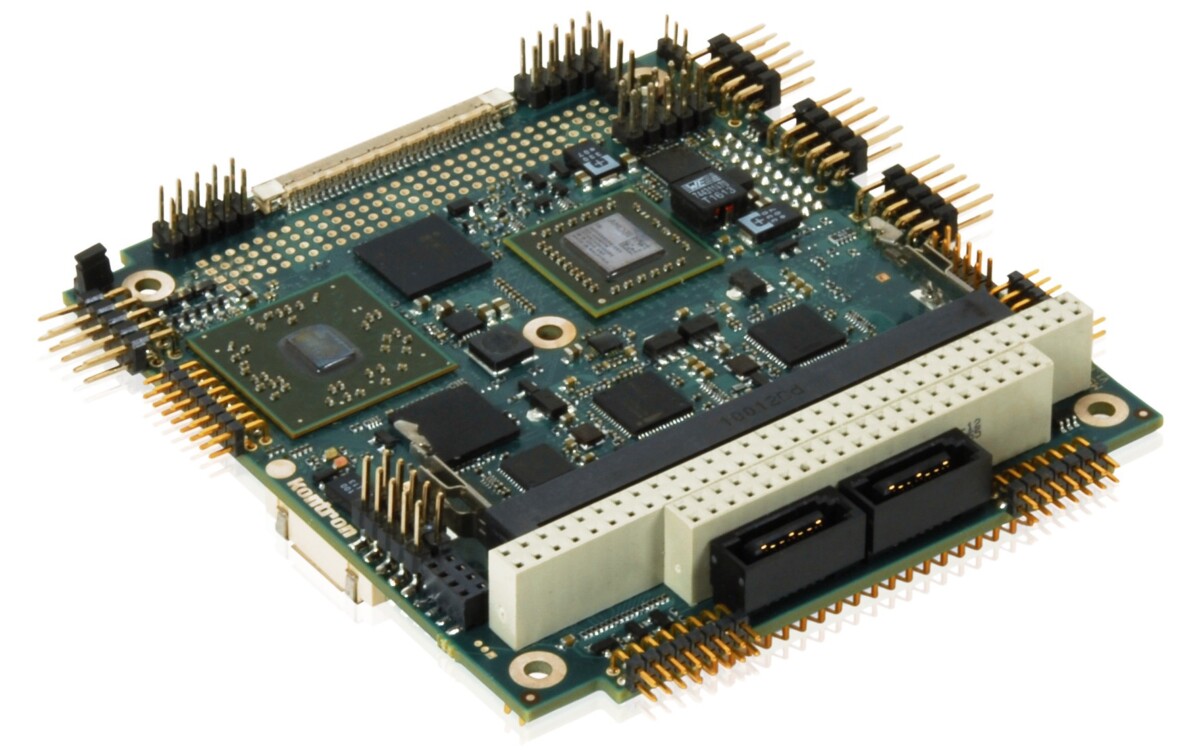
PC/104 motherboard
|
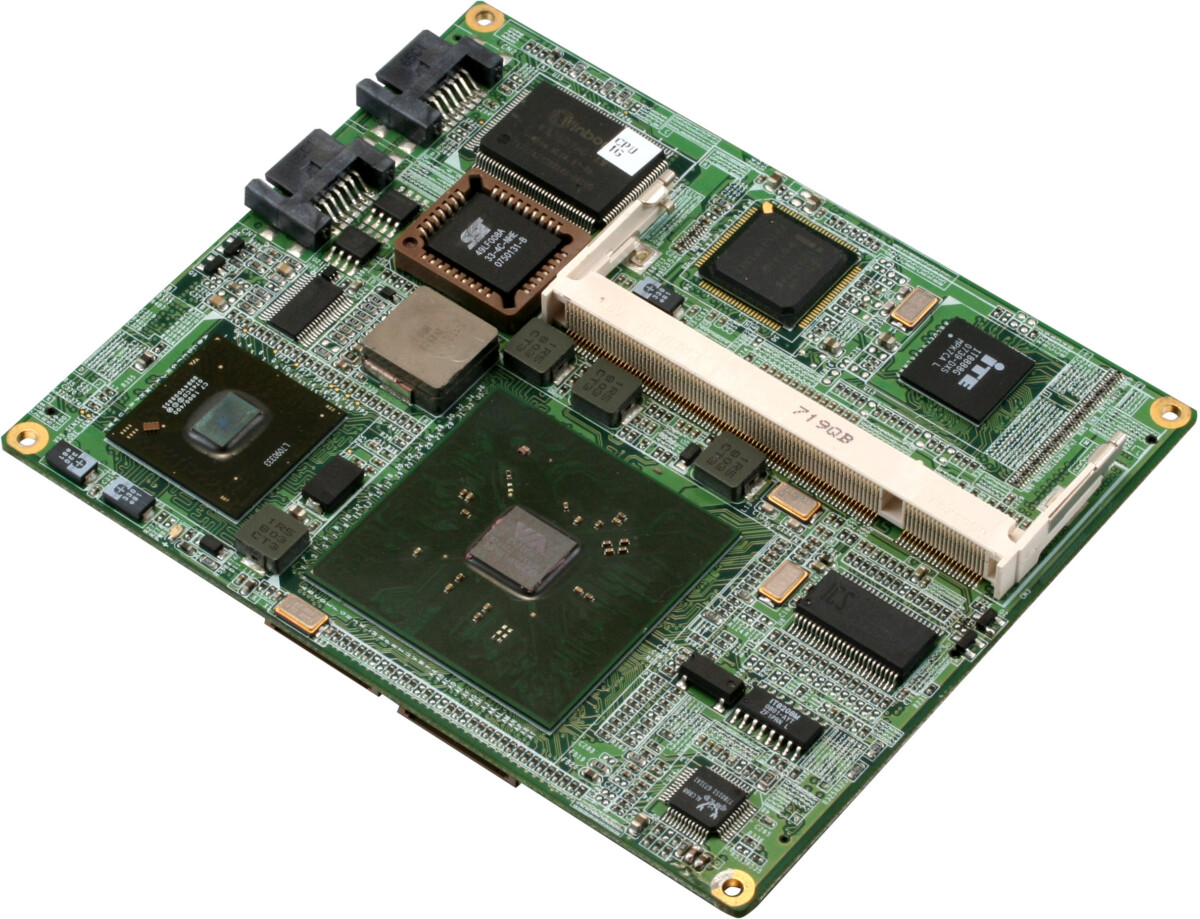
CPU Module Board
|
How to Process
-
Check the item and remove asset tags
-
Check and remove storage media
- Some motherboards may have mSATA or m.2 SSD.
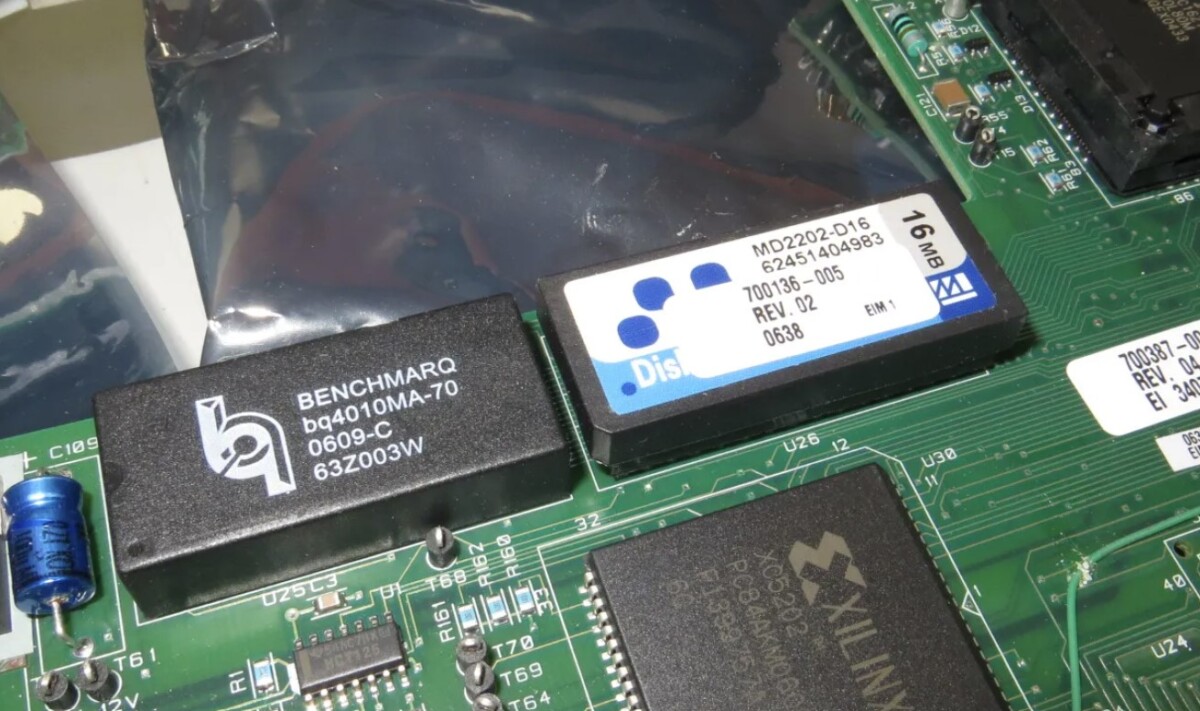
- Industrial PC motherboard: Be aware of the Diskon chip SSD. They look like regular chips, but they are SSDs.

-
Check for bad caps.
-
Check the CPU socket damage if there is no CPU.
-
Use the brand and model
-
Value Check the item
- If the motherboard CPU socket is socket 7, use the “Socket 7 motherboard” category for the value check.
- Motherboard scrap value is $60 sold, $120 unsold/active
- Use the listing with the same condition as the one on hand.
- For the motherboard that has a damaged CPU socket, value check for parts.
- For a desktop motherboard that has a bad cap but is in good physical condition, keep it if it sold for over $250.
- For a desktop motherboard that has physical damage, keep it if it sold for over $250.
- For an OEM server/workstation motherboard that has a bad cap but is in good physical condition, keep it if it sells for over $400.
-
Note
- If the motherboard is removed from a machine for any reason, include the I/O shield with the motherboard. And leave a note on which machine the motherboard was removed from.
- Leave a note for any defects.
- Leave a note for any difference between the listing and the item on hand.
-
Extra
- Do not remove RAM from the motherboard that needs to be tested.
- A motherboard that has a damaged CPU socket will be scrapped.
- To identify a PC/104 motherboard, look for its distinctive physical characteristics: a compact size (approximately 3.6″ x 3.8″), a stacking bus connector with 104 pins for the original PC/104 standard (ISA), and mounting holes for standoffs, which allow boards to be stacked like building blocks.
- The CPU module board is similar in size to a PC/104 motherboard. If you come across a similarly sized module with a RAM slot, it is likely a CPU module board.
- A PC/104 motherboard or CPU module board is sometimes paired with a larger carrier board.
-
How to Bag& Tag
-
Putaway
- Keep:
- Leave it on the pending shelf at your workbench. The Quality Checker will QC them and put them in #1072 eBay Items For Resale
- Scrap:
- SBC motherboard:
- Scrap: Handle Box on Pending Shelf, #1109 “GOLDFINGER” CARDS
- Other motherboard
- #1025 SCRAP: CIRCUIT BOARDS
- Remove RAM
- Remove the CPU if it is a ceramic CPU
- Remove the Slot CPU
- Remove the CPU heat sink
- #1025 SCRAP: CIRCUIT BOARDS
- SBC motherboard:
- Keep:


| Ceramic CPU
|
Slot CPU
|







3 thoughts on “Loose Motherboards #6024”
NE read
Read Lee 8/5
READ JANNA 12-10-25